Shift At Midnight Multiplayer Not Working — Lobby & Co-op Fixes
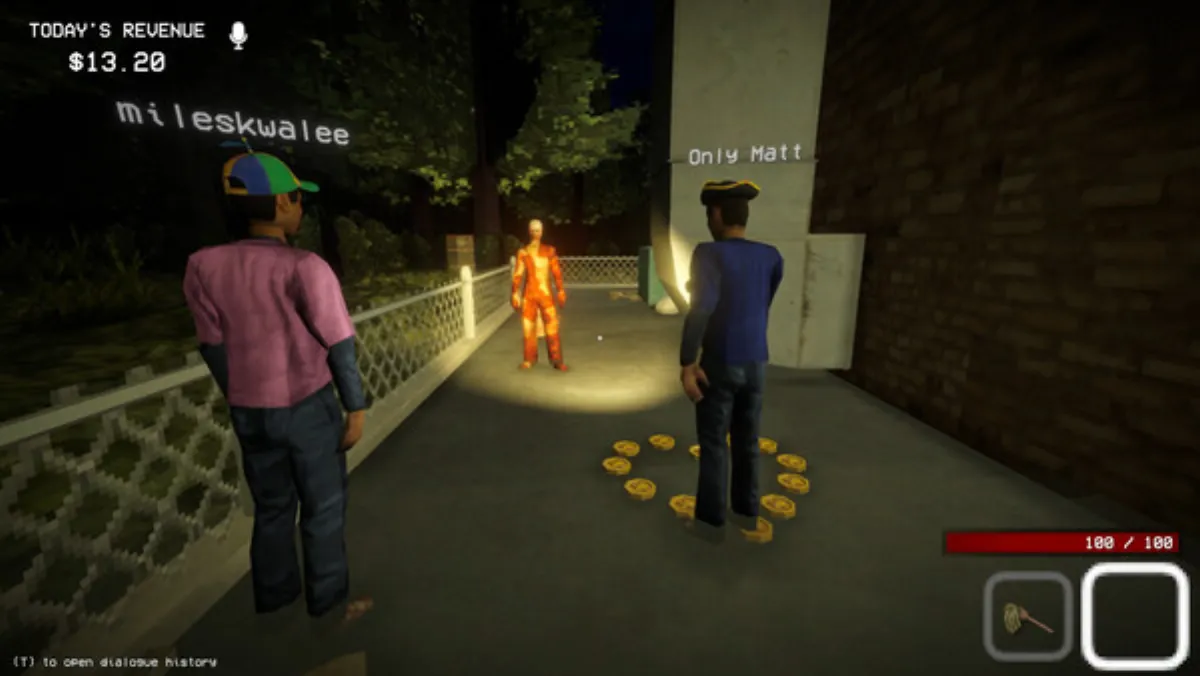
Shift At Midnight's co-op is the whole point of the game — so it's brutal when you can't join your friends. Most lobby problems have known fixes, including an official beta branch from the developer. Here's the complete troubleshooting guide as of August 2026.
The Official Fix: The network-issues-patch Beta Branch
The developer shipped a temporary branch that resolves most Steam lobby-join failures. Every player in your group must switch to it:
- Open Steam → Library.
- Right-click Shift At Midnight → Properties.
- Open Betas (or Game Versions & Betas).
- Enter the access code
networkissuesand click Check Code. - Select the network-issues-patch branch from the dropdown.
- Steam downloads the update — then launch the game.
Everyone who plays together must be on the same branch. If one person stays on the default version while everyone else is on the beta, connections will keep failing.
Why This Fix Exists
At launch (July 22, 2026), many players could not create or join lobbies at all. The developer's announcement ("CAN'T JOIN A LOBBY?") explained the temporary branch and noted a proper fix was being worked on for the main version. The July 23 patch that followed fixed lobby creation for players in Russia and added 6-player lobbies — so if you were having Russian-region issues, update the game fully first.
Step-by-Step General Troubleshooting
If the beta branch alone doesn't solve it, work through these in order:
- Update the game. Make sure everyone is on the latest version — the day-one patch and the July 29 balancing patch both fixed multiplayer-related bugs.
- Verify game files. Steam → Properties → Installed Files → Verify integrity of game files. A corrupt install causes random connection failures.
- Restart Steam and the game. Sounds trivial, but the first lobby session after a patch is the most common crash window.
- Check platform compatibility. Steam players can only play with other Steam players; Xbox and PC Game Pass players share a separate pool (see the Crossplay Guide). A Steam player trying to join a Game Pass lobby will get a connection error that no amount of network tweaking can fix.
- Restart your router / disable VPN. Peer-to-peer lobbies can fail on strict NAT. A VPN override almost always makes things worse.
- Windows firewall. Make sure Shift At Midnight and Steam are allowed through. If the game was installed after the firewall rules were set, Windows may silently block the ports.
Crash Frozen the Cursor or Buttons?
The July 23 patch notes flagged this specific bug: after a crash, some players are unable to interact with the cursor or any buttons in the game. The developer confirmed a fix was planned for a following patch.
Until it lands:
- Force-quit via Task Manager (Ctrl+Shift+Esc → end the game), then relaunch.
- Verify game files — a partial write from the crash is the usual culprit.
- If the main-menu freeze persists, the network-issues-patch beta branch has resolved it for many players (see above).
Voice Chat Not Working?
Shift At Midnight uses proximity voice chat — enemies can hear you, so it's central to the horror. If your mic isn't transmitting:
- Check Windows Settings → Privacy → Microphone — both Windows and the app must have permission.
- Check Steam's Voice settings (Settings → Voice) and pick the correct input device.
- Make sure your headset is set as the Default Communication Device in Windows sound settings.
- Disable virtual audio cables / voice modulators (Voicemod, etc.) if the game won't pick up your hardware — they're a common blocker.
Quick Reference
| Problem | Fastest fix |
|---|---|
| Can't join any lobby | Switch everyone to network-issues-patch beta branch |
| Lobby creation fails (Russia) | Install the July 23 patch |
| Crash → cursor/buttons dead | Task Manager force-quit, then verify files |
| Steam can't join Game Pass friends | Not a bug — incompatible pools (see Crossplay) |
| Mic not working in-game | Check Windows mic privacy + Steam voice device |
FAQ
Is the beta branch safe? Yes — it's the developer's own official branch. It patches the same files; you can switch back to the default (or "none") branch anytime once the permanent fix ships.
Do achievements/endings work differently on the beta? No. Progress, achievements and endings are identical on either branch.
How do I go back to the default version? Steam → Properties → Betas → select None. Your save is unaffected.
Does the 6-player lobby fix count as a "fix"? The July 23 patch raised lobbies to 6 and fixed Russian lobby creation. It also lowered Marionette HP and made the Jack-in-the-Box cue louder.
Status verified against official Steam announcements (July 22, 23 & 29, 2026) and community testing as of August 2026. The beta branch is temporary — revisit this page after major updates for the permanent fix.
More Guides
![Shift At Midnight Price — How Much Does It Cost? [2026]](/img/sam/capsule.webp)
![Shift At Midnight: All 10 Achievements & How to Unlock Them [2026]](/img/sam/id-database.webp)
![Shift At Midnight: All 3 Endings & How to Get the True Ending [2026]](/img/sam/customer-verify.webp)
![Shift At Midnight Endless Mode — How to Unlock & Survive [2026]](/img/sam/store-interior.webp)
![Shift At Midnight Pets Guide — All 4 Pets, Medicine & Perks [2026]](/img/sam/pet-adopt.webp)
![Shift At Midnight: All Monsters & Entities Explained [2026]](/img/sam/hunt-combat.webp)