How Saving Works in Shift At Midnight — Autosave, Local Files & No Steam Cloud
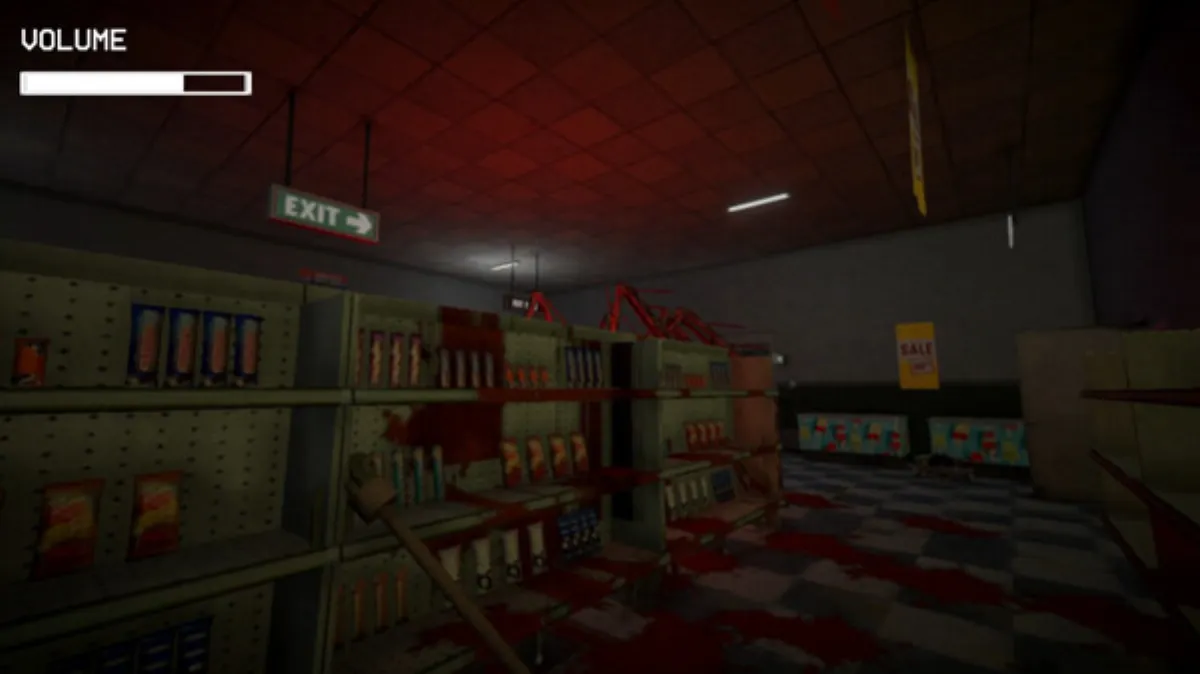
Searching "shift at midnight save" usually means one of three worries: does it autosave, will I lose progress if I quit, and what happens to my save after the ending? Here's the verified picture.
How Saving Works
- Automatic, per-shift saving. Surviving a shift writes your progress — you never restart from night one after completing a night. (Confirmed by the developer's update notes and player reports: "the game saves automatically, after every shift.")
- Local save files only. There is no Steam Cloud support — the Steam feature list has achievements, co-op and accessibility options, but no cloud saves. Your progress lives in a local file on your machine.
- Multiplayer note: the host's save is the one that progresses; joining someone else's lobby doesn't create a parallel save for you.
What "No Steam Cloud" Means in Practice
- One machine, one progression. Playing on a second PC means starting over (no sync).
- Back up manually if you care. Community threads include players who lost access to their save and had to restart from Night 9 multiple times. No official export/backup tool exists; if your save file matters to you, copy it before major nights. (The cause of those losses isn't officially explained — treat this as a precaution, not a known bug mechanic.)
- Cloud save requests are open. Players have asked for Steam Cloud / save management; as of this writing there's no developer commitment.
Quitting Mid-Shift
Progress is saved per completed shift, so quitting during a night risks only that night's progress — you'll redo the current shift, not the run. Save your big nights (9+, Blood Moons, Night 12–13) for sessions where you can finish them.
What Happens to Your Save After the Ending
This is the most-misunderstood part:
- Your story save is not automatically deleted after an ending.
- After finishing the 13 shifts, the save continues as "post story mode" — a low-stakes sandbox continuation with your fully-established character ("merely there if you really don't feel like restarting").
- Endless Mode is a fresh start, unlocked by achieving the True Ending (see Endless Mode guide).
- Want to replay Story from scratch? Start a new game manually — the system won't reset for you.
Quick Reference
| Question | Answer |
|---|---|
| Does it autosave? | Yes — after each survived shift |
| Manual save option? | No documented manual save; per-shift auto is the system |
| Steam Cloud? | No — local files only |
| Quit mid-shift? | You lose the current shift's progress, not the run |
| After an ending? | Save continues as post-story sandbox; Endless is separate; replay Story = new game |
FAQ
Where is the save file? Location isn't officially documented in the discussions; if you need it for backup, check the game's local app-data folder on your machine.
Can co-op friends continue my save? Friends join your hosted shifts; the progression belongs to the host's save.
Verified via developer update notes, Steam feature data (no Steam Cloud category) and community discussion threads. Post-story behavior reflects current community-reported experience.
More Guides
![Shift At Midnight: All 10 Achievements & How to Unlock Them [2026]](/img/sam/id-database.webp)
![Shift At Midnight: All 3 Endings & How to Get the True Ending [2026]](/img/sam/customer-verify.webp)
![Shift At Midnight: All Monsters & Entities Explained [2026]](/img/sam/hunt-combat.webp)
![Shift At Midnight FAQ — Price, Multiplayer, Platforms & More [2026]](/img/sam/capsule.webp)
![Shift At Midnight Missing Dog Mystery — Guillermo vs Tofu [2026]](/img/sam/gas-station-night.webp)
Discussion