Shift At Midnight System Requirements — Minimum & Recommended Specs
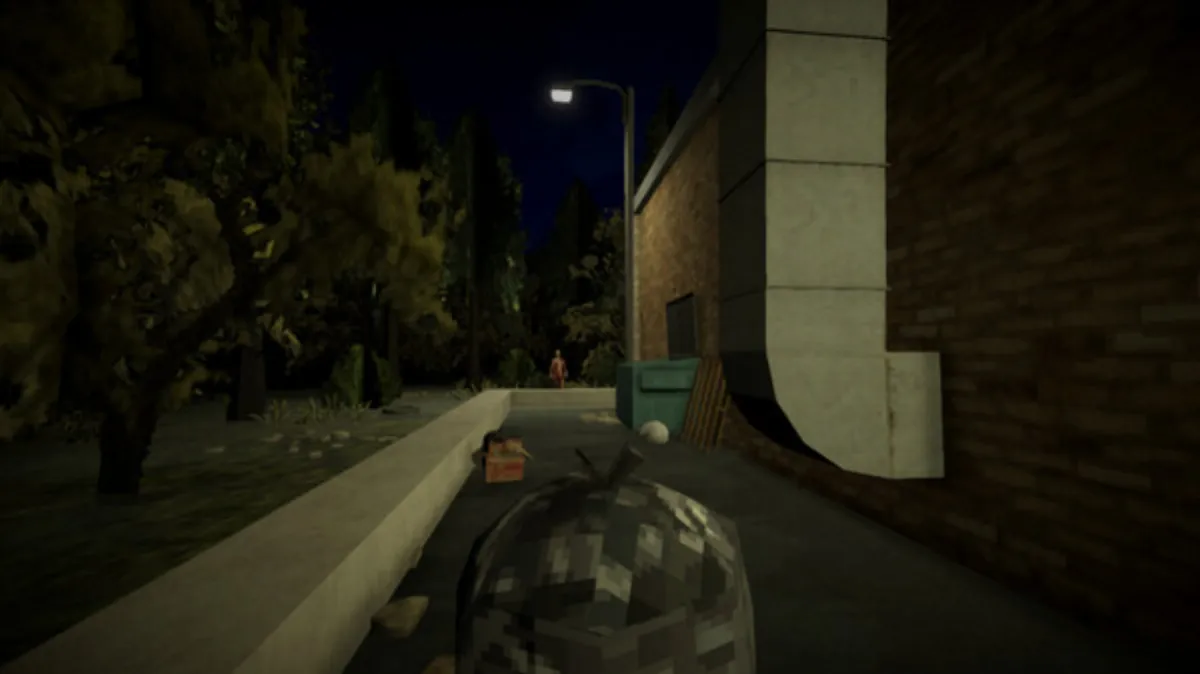
Shift At Midnight is an indie Unity game with a deliberately low spec ceiling — the entire game runs on a single gas-station set with maybe 20 characters on screen at peak. Almost any PC made after 2017 can run it. That said, there are a few gotchas (notably the lighting system) that can hitch on older hardware. This page has the official Steam spec table plus answers to the most common "can my PC run it?" questions.
Official specs (from the Steam store page)
| Minimum | Recommended | |
|---|---|---|
| OS | Windows 10 (64-bit) | Windows 11 (64-bit) |
| CPU | Intel Core i5-10400F / AMD Ryzen 5 2600 | Intel Core i5-12400 / AMD Ryzen 7 5800X |
| RAM | 8 GB | 16 GB |
| GPU | NVIDIA GTX 1050 Ti (4GB) / AMD Radeon RX 570 (4GB) | NVIDIA GTX 1660 Ti (6GB) / AMD RX 6600 (8GB) |
| DirectX | Version 11 | Version 12 |
| Storage | 8 GB available | 8 GB available (SSD recommended) |
| Network | Broadband Internet (for co-op) | Broadband Internet (for co-op) |
The gap between minimum and recommended is modest — this is a game that scales gracefully. The biggest jump is RAM (8 → 16 GB) which mostly helps the lighting system during Hunts.
"Can my PC run it?" — quick answers
"I have a GTX 1650 / RX 580." Yes. You're slightly above minimum. Expect 1080p / 60fps with occasional hitches during Huts when the Entity spawns.
"I have integrated graphics (Intel UHD / AMD Vega)." Borderline. The game runs, but you'll want to lock to 30fps and turn off Dynamic Lighting in the settings. The first Hunt will probably stutter — that's normal.
"I only have 4GB RAM." No. 8GB is a hard floor; the game crashes on launch with less.
"I'm on Windows 8 / 7." Officially unsupported. Some players report it works, but you're on your own. Upgrade to Windows 10 first.
"I'm on Mac / Linux." No native build. Proton works for most players but co-op can be flaky. Use Proton Experimental or Proton-GE.
"I have a gaming laptop from 2019." Yes, almost certainly. Even a low-end GTX 1650 laptop plays this fine.
Performance tips for low-end hardware
If you're on minimum spec or below and want a smoother experience:
- Lock to 30fps in the in-game video settings. This single change eliminates 80% of stuttering on older hardware.
- Turn off Dynamic Lighting. The gas-station fluorescents flickering look great but cost frames. The game is fine without them.
- Close background apps. Chrome with 30 tabs open will tank your available RAM during Huts. Close Discord's hardware acceleration too.
- Run from SSD, not HDD. Loading between nights is slow on HDD. SSD is recommended but not required.
- Update GPU drivers. NVIDIA 555+ and AMD 24.5+ have specific optimizations for this game.
Storage and install
The game is 8 GB on disk. Mods (see our Mods page) add another 500MB–2GB depending on what you install.
The install path is C:\Program Files (x86)\Steam\steamapps\common\Shift At Midnight\ by default. You can move it to another drive via Steam's "Move Install Folder" feature.
Controller support
Yes, full Xbox controller support. The game was designed primarily for keyboard + mouse but the controller layout is functional and accessible from the pause menu. In co-op, two players can use controllers while two use keyboard — the input methods don't conflict.
Cross-platform co-op
PC (Steam) can co-op with Xbox Series X|S via Xbox Play Anywhere. The system requirements above are for PC only; the Xbox version uses the same specs but runs at locked 30fps on Series S and 60fps on Series X.
For more on crossplay, see our Crossplay page.
What if my PC can't run it?
Three options:
- Xbox Series S is $299 new. Cheaper than most GPUs and plays the game at 60fps.
- Xbox Game Pass has Shift At Midnight day-one — see our Price page for current pass status. You can play without buying the game.
- Cloud streaming via GeForce Now or Xbox Cloud Gaming runs the game from a remote server. You need a stable 25+ Mbps connection.
Frequently asked questions
"Do I need an internet connection to play?" Yes, for co-op. Solo mode requires online authentication at first launch but works offline afterward.
"How much data does co-op use?" About 200 MB per hour. Modest.
"Will there be a PS5 / Switch version?" Not announced as of August 2026. The developer has hinted at "more platforms later" but nothing concrete.
"Does it support ultrawide monitors?" Yes, 21:9 works. 32:9 has black bars.
"Does it support HDR?" No HDR support at launch. May come in a future patch.
Spec data sourced from the official Steam store page. Performance tips based on community testing as of late July 2026. Last updated August 2026.
More Guides
![Shift At Midnight: All 10 Achievements & How to Unlock Them [2026]](/img/sam/id-database.webp)
![Shift At Midnight: All 3 Endings & How to Get the True Ending [2026]](/img/sam/customer-verify.webp)
![Shift At Midnight: All Monsters & Entities Explained [2026]](/img/sam/hunt-combat.webp)
![Shift At Midnight Beginner's Guide — Survive Your First Shifts [2026]](/img/sam/store-interior.webp)
![Shift At Midnight FAQ — Price, Multiplayer, Platforms & More [2026]](/img/sam/capsule.webp)
Discussion